






Tetrix Online – Classic Falling Block Puzzle in Your Browser
Play Tetrix Online instantly in your browser - No download required!
Share Tetrix Online with Friends!
Discover More Tetrix Online

Unbox the Room
Dig out of Prison
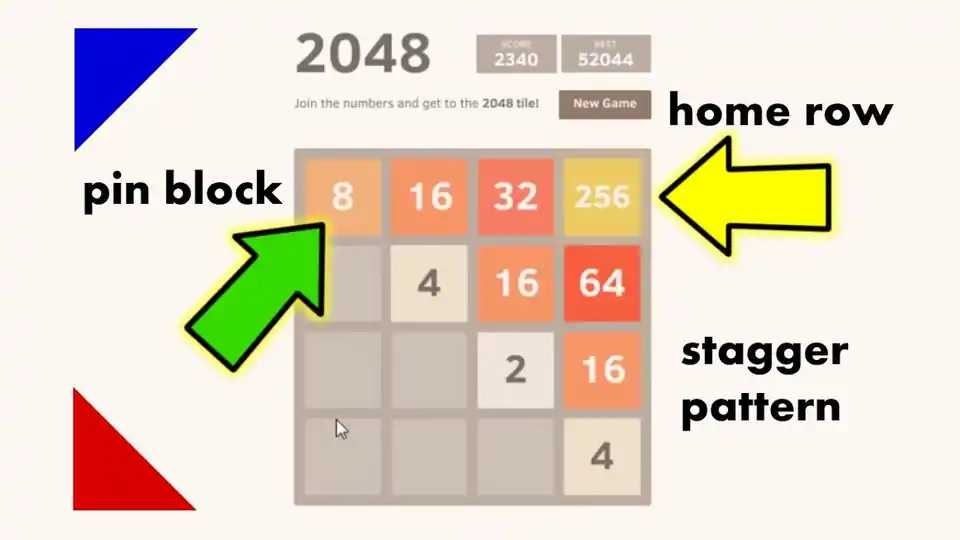
2048 Rogue

Welcome To The Garden
Office Fury
Trees Hate You

Ship Smasher

Maptap

School Fury

Statle

Duck Life 4

Meowdoku

Angry Birds
Explore Other Exciting Games





What is Tetrix Online?
Tetrix Online is a browser-based puzzle game that borrows the iconic falling-blocks formula we all know and love. Geometric shapes called tetrominoes drop from the top, and you rotate, slide, and slam them into tidy lines to make them vanish. It scratches the same itch as the original, just without the cartridge.
How to Play Tetrix Online
Move Side to Side
Slide your piece left or right to slot it into the spot you want. Quick reflexes save you when the stack gets tall.
Rotate the Shapes
Twist each tetromino so it fits the gaps in your stack. Some pieces have four rotations, so experiment a bit.
Clear Lines
Fill a full horizontal row from wall to wall and watch it disappear. More lines at once means bigger score bonuses.
Drop Faster
Soft drop to nudge the piece down or hard drop to slam it into place. Speed is your friend when the board gets cramped.
Manage the Stack
Keep your pile flat and open. Holes and jagged heights are how runs end in tears.
Tetrix Online FAQs
Q: Do I need to download anything to play Tetrix Online?
A: Nope. The whole thing runs in your browser tab, so you can start playing right away.
Q: Is Tetrix Online free?
A: Yes, it's free to play. Just open it up and you're good to go.
Q: What are tetrominoes?
A: Tetrominoes are the four-square shapes that fall down the board. You've seen them a thousand times even if you forgot the name.
Q: Can I rotate the pieces?
A: Yep, rotation is core to fitting pieces into gaps. Each shape usually has up to four rotations to play with.
Q: How does scoring work?
A: Clearing a full row scores points, and clearing multiple rows at once gives you a nice bonus. Faster drops can also bump up your score.
Q: What happens when the stack reaches the top?
A: Game over. Your board locks up and you start fresh, hopefully with a better strategy this time.
Q: Does Tetrix Online save my high score?
A: That depends on the version you're playing, but most browser versions track your best run locally.
Q: Can I play on mobile?
A: It works best with a keyboard, but touch-friendly versions often exist. Check the on-screen controls when you load it up.
Q: Is there a multiplayer mode?
A: The core experience is solo score-chasing. Some hosts add versus modes, so keep an eye out for those.
Q: Why is it called Tetrix instead of Tetris?
A: It's a browser tribute, not the official brand. Same DNA, different name to dodge trademark issues.
Q: How do I get better at Tetrix Online?
A: Keep the stack flat, save the long pieces (the I-piece) for tricky moments, and don't panic-drop.
Why Play Tetrix Online?
Pure Puzzle Vibes
It hits that satisfying spot between chill and frantic. Your brain stays busy while your fingers do the dancing.
No Friction, Just Play
Zero downloads, zero sign-ups. Open the tab, drop a piece, you're already locked in.
Nostalgia With a Twist
It feels like the Tetris you grew up with, just dressed up for the browser era. Same rules, fresh coat of paint.
Endless Replay Value
High scores keep calling your name. One more round turns into ten, every single time.
No Download Needed
Tetrix Online lives entirely in your browser, so you skip the install steps completely. Click the page, pick up the keyboard, and start stacking. It is the most direct path from "I am bored" to "one more run."
Features of Tetrix Online
Instant Browser Play
Open the page and you're stacking blocks in seconds. No installer, no launcher, just click and go.
Classic Tetromino Variety
All the familiar shapes show up, each with their own quirks. Learning their fits becomes second nature fast.
Score-Chasing Loop
Every cleared line pushes your score higher and the pace quicker. That one-more-go pull is very real.
Keyboard-Friendly Controls
Arrow keys handle moves and drops, with rotation keys mapped for quick spins. Gamepad vibes not required.
Replay Until You Quit
Game over just means start a new round. High-score chasing is where the long sessions come from.
Tricks & Tips for Tetrix Online
Keep the Stack Flat
A flat surface gives you more placement options and fewer holes. Avoid building tall towers unless you have to.
Scan the next piece and plan two drops ahead.
Save the I-Piece
The long bar is your secret weapon for clearing four lines at once or filling awkward gaps. Don't waste it on a single line.
Hold or delay placement until the I-piece fits perfectly.
Clear Multiple Lines
Stacking rows so they disappear together scores way more than picking them off one by one. Bigger clears, bigger points.
Aim to leave one open column for tetrominoes to finish multi-line clears.
Avoid Holes
A hole is a gap with a block sitting on top of it. You'll never fill it cleanly and it bloats your stack fast.
Slide pieces under overhangs before you let the stack rise.